EMOTIA Escape Players Hub
Builds, currency, and controls for clearer runs.
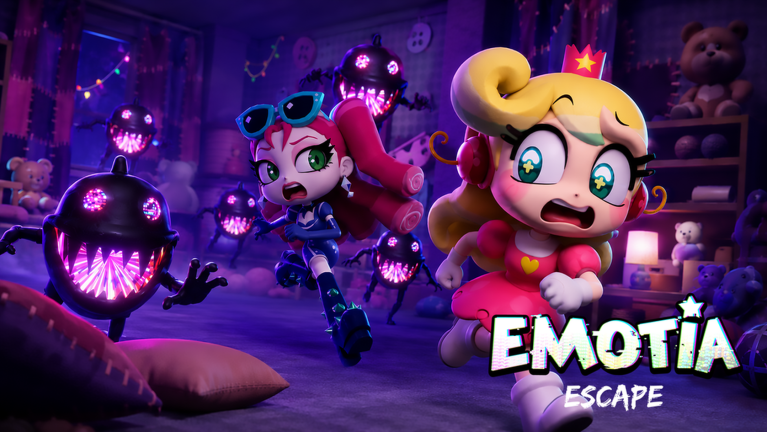
The Players Hub is where EMOTIA Escape progression becomes personal. Guides teach the prison; this hub teaches your loadout, your currency habits, and your input setup.
Pages in this hub
- Best upgrades — practical shopping plans tied to wipe types.
- Emote guide — earning, saving, and spending the main currency.
- Controls — Settings, sensitivity, mobile versus desktop comfort.
- EMOTIA Escape review — who it is for, co-op strengths, BETA caveats, verdict after 2.2M+ visits (verified August 2026).
- Character customization — cosmetics versus survival Emote and when vanity is OK.
How players should use these pages
After Getting Started, open Emote guide, then Best upgrades. When chases feel unreadable, fix controls and audio before blaming the game. Cross-rank purchases with the upgrade tier list and keep role needs from team roles in mind.
Economy loop
Play → earn Emote → optionally redeem codes → spend on S-band upgrades → attempt deeper floors with How to play discipline. Codes are currently empty on the Active list, but the redeem path is ready—How to redeem.
Co-op impact
Your upgrade choices affect teammates. Under-geared lookouts create fake difficulty. Align spends during the party checklist briefing. Teaching runs can delay cosmetics; clear runs should not.
Anti-patterns
- Maxing vanity while still failing B-tier chases
- Changing sensitivity every death with no sample size
- Buying whatever a stranger script menu highlights—see Scripts
- Ignoring Updates when nodes reshuffle
Related hubs
Guides, Tier List, Tools, Links. For threat context while building, keep entities open.
Build for the next chase you keep failing. Everything else is decoration until that chase dies.
A week-one player schedule
Day one is literacy: Settings, Emote, and one chase that you survive on purpose. Day two is economy: buy a survival node and ignore vanity. Day three is co-op structure if you have friends—roles before loot. Day four is a deliberate clear attempt with notes. Day five is patch check and code check. This schedule keeps the Guides, Codes, and Updates hubs in a useful orbit around your actual playtime instead of becoming unread bookmarks.
Closing note for this page
Return here when your party’s arguments get abstract. This page exists to make players decisions concrete inside EMOTIA Escape’s Roblox BETA, where cute threats and real coordination problems share the same hallway. Bookmark the sibling links above, keep Emote spending honest, and treat every wipe as a syllabus update rather than a personality verdict.
Frequently Asked Questions
Quick answers for Emotion Prison runs and Roblox BETA questions.
What is the Players Hub for?
Personal progression: Emote, upgrades, and controls that make guides easier to execute.
Which page first?
Emote guide if you are confused about currency; Best upgrades if you have Emote waiting; Controls if inputs fight you.
Do I need a meta build screenshot?
No. Use priority bands and wipe-based shopping instead of fragile screenshots.
Can upgrades fix bad co-op?
They help, but roles and callouts still matter. Pair this hub with Co-op Tips.
Do codes belong here?
Codes live in the Codes Hub; spending the Emote they grant belongs here.